What does "query fan-out" mean in the context of AI platforms?
In Google’s AI Overviews and AI Mode, “query fan-out” refers to issuing multiple related searches across subtopics and data sources to build a response, which can surface a wider, more diverse set of supporting links than classic search.
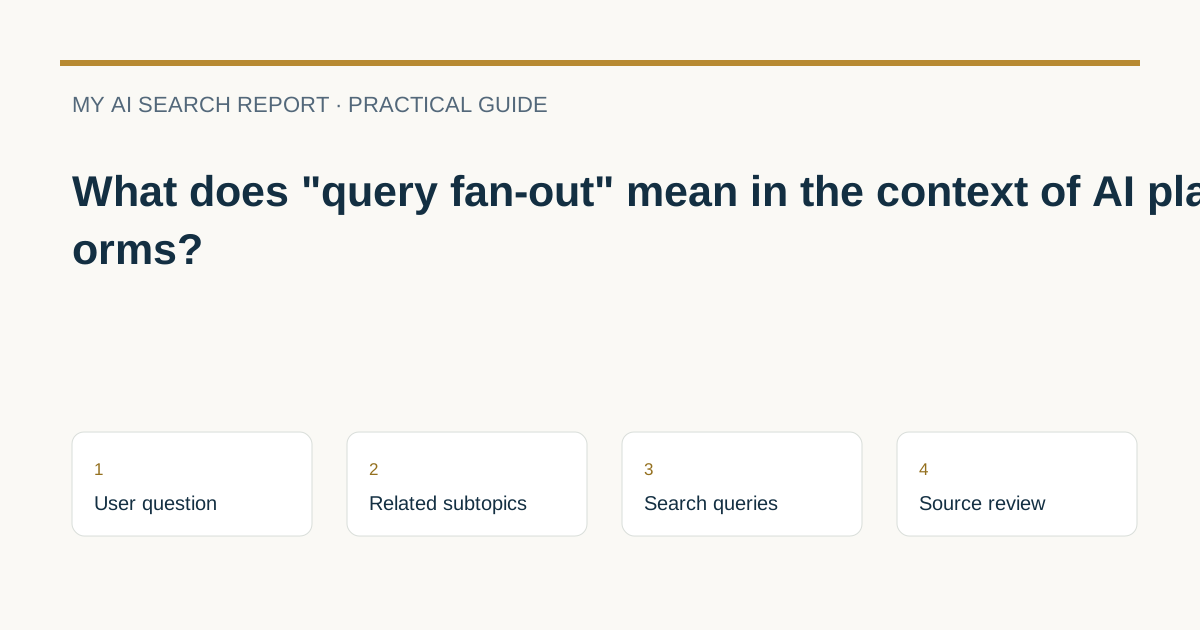
In Google’s AI Overviews and AI Mode, query fan-out means issuing multiple related searches across subtopics and data sources to develop a response. While an answer is being generated, Google’s models can identify additional supporting web pages, allowing a wider and more diverse set of helpful links than classic web search may show Google Search Central: AI features and your website.
How query fan-out shows up in Google AI experiences
Google documents query fan-out specifically for AI Overviews and AI Mode:
- What it is: Multiple related searches across subtopics and data sources are issued to help assemble the response Google Search Central: AI features and your website.
- What changes for links: As the response is generated, Google’s models may find more supporting pages, enabling a broader and more diverse set of helpful links than classic search Google Search Central: AI features and your website.
- Not uniform across features: AI Mode and AI Overviews may use different models and techniques, so responses and links can vary. AI Overviews are only shown when Google systems determine they add value and often won’t trigger at all Google Search Central: AI features and your website.
Google does not disclose fixed numbers of related searches, a universal process for all platforms, or a ranking formula. The documented scope is limited to how Google’s AI Overviews and AI Mode may operate.
Illustrative example (hypothetical)
Broad user question: “Plan a 3-day trip to Kyoto on a budget.” During query fan-out, the system might explore narrower angles, such as:
- “3-day Kyoto itinerary”
- “Affordable Kyoto accommodations near transit”
- “Kyoto transit passes for tourists”
- “Must-see Kyoto temples with entry fees”
Those subtopics could lead to a response that references varied supporting pages (for instance, official transit sites alongside practical travel guides). This scenario is illustrative only, showing how related subtopics may be explored; it is not a disclosure of Google’s internal queries.
What this means for publishers
Because query fan-out can consider multiple related angles, your pages may be discovered as supporting links if they address relevant subtopics clearly and are eligible to appear in Google Search with a snippet. Google states there are no extra technical requirements beyond standard Search eligibility and indexing Google Search Central: AI features and your website.
Actions aligned with Google’s guidance
- Ensure the page is indexed and eligible to be shown with a snippet; there are no additional technical requirements for AI features beyond standard Search Google Search Central: AI features and your website.
- Allow crawling in robots.txt and through your CDN/hosting configuration Google Search Central: AI features and your website.
- Make content findable with strong internal linking and provide important information in accessible text. Support with quality images/videos when helpful Google Search Central: AI features and your website.
- Ensure structured data matches visible text. Keep Business Profile and Merchant Center data current where relevant Google Search Central: AI features and your website.
- Measure performance in Search Console; AI features are counted within the Web search type. Combine with analytics to assess time on page and conversions Google Search Central: AI features and your website. For practical analysis approaches, see How to measure AI search visibility with a ten-question audit.
- Use preview controls if you want to limit what’s shown:
nosnippet,data-nosnippet,max-snippet, ornoindex. For limiting AI training/grounding in some other Google systems, review Google-Extended. Test changes with URL Inspection and allow time for recrawl Google Search Central: AI features and your website.
Want to align content with how AI surfaces information? See How to structure content for AI search and What are the key differences between Google search and AI search?
Quick readiness checklist
- Page is indexable and eligible for a Search snippet.
- Robots.txt and hosting/CDN allow Googlebot crawling.
- Clear, people-first answers to core questions and common subtopics.
- Descriptive headings and internal links to related subpages.
- Textual content present for critical information; media supports the text.
- Structured data mirrors on-page content accurately.
- Business Profile and Merchant Center data are up to date (if applicable).
- Monitor Web search type in Search Console; review landing page engagement in analytics.
- Apply snippet controls if you need to limit previews; test with URL Inspection.
- Revisit content to fill gaps in likely subtopics your audience needs.
FAQs
Does query fan-out mean Google will always read more pages from my site?
No. Query fan-out refers to issuing multiple related searches across subtopics and data sources to compose a response; it does not guarantee that more of your pages will be read or shown. Eligibility still requires that pages are indexed and snippet-eligible Google Search Central: AI features and your website.
Can I see traffic from AI Overviews or AI Mode separately?
Google reports that appearances in AI features are included within the Web search type in Search Console. You can analyze overall trends there and pair findings with analytics data to study engagement and conversions Google Search Central: AI features and your website.
Are clicks from AI Overviews lower or higher quality?
Google states they’ve seen higher-quality clicks from search results pages with AI Overviews, meaning users are more likely to spend more time on the site. Your results can vary by topic and execution Google Search Central: AI features and your website.
A useful next step
For the structured-data part of this work, CheckMySchema explains the limits of markup in AI search. Does AI use schema markup? A practical answer and what to do next.
Related guides
Sources and further reading
Provider documentation can change. Check the current guidance before changing crawler or search settings.