How to fix soft 404 errors?
A practical decision tree and step-by-step workflow to diagnose and fix soft 404s, with examples, correct status codes, and Search Console validation.
A soft 404 happens when a page looks like an error or has little to no content, but your server returns a success (2xx) response. Google may flag these in Search Console; they are not just any URLs missing from Google’s index. If a 2xx page appears empty or error-like, it can be treated as a soft 404 by Google’s systems (How HTTP Status Codes Affect Google's Crawlers).
What is a soft 404?
Google considers content for indexing when a URL returns 2xx. If the content suggests an error (for example, “not found” text) or is effectively empty, Search Console may show a soft 404 for that URL (How HTTP Status Codes Affect Google's Crawlers).
Decision tree: choose the correct fix
1) The page was removed and has no equivalent
- Return an actual 404 Not Found or 410 Gone. Google won’t index 4xx content and will drop previously indexed URLs over time (How HTTP Status Codes Affect Google's Crawlers).
- Keep a user-friendly 404 template, but ensure the HTTP status is 404/410 even if the page looks styled.
- Do not redirect every missing URL to the homepage; that can confuse users and search engines.
- Update internal links and sitemaps to remove references to the old URL.
2) The content moved or there is a real equivalent
- Redirect with 301 (or 308) to the best one-to-one equivalent. Google follows redirects and treats 301/308 as strong signals to process the target (How HTTP Status Codes Affect Google's Crawlers).
- Avoid redirect chains; Google generally follows up to 10 hops, but keep it to one hop where possible.
- Update internal links to point directly to the new destination.
3) The page is intended to be useful, but content isn’t rendering
- Fix templates, rendering, or data loading so meaningful content appears on first load. An apparent error message or empty state with 2xx often triggers a soft 404 (How HTTP Status Codes Affect Google's Crawlers).
- Use Search Console’s URL Inspection to compare the last indexed version and a live test, and to view rendered HTML and resources (URL Inspection tool).
- For zero-result listings, either show helpful alternatives, related navigation and unique text (keeping 200), or if the page should not be indexed at all, explicitly mark it noindex. Don’t use noindex as a blanket fix for all soft 404s.
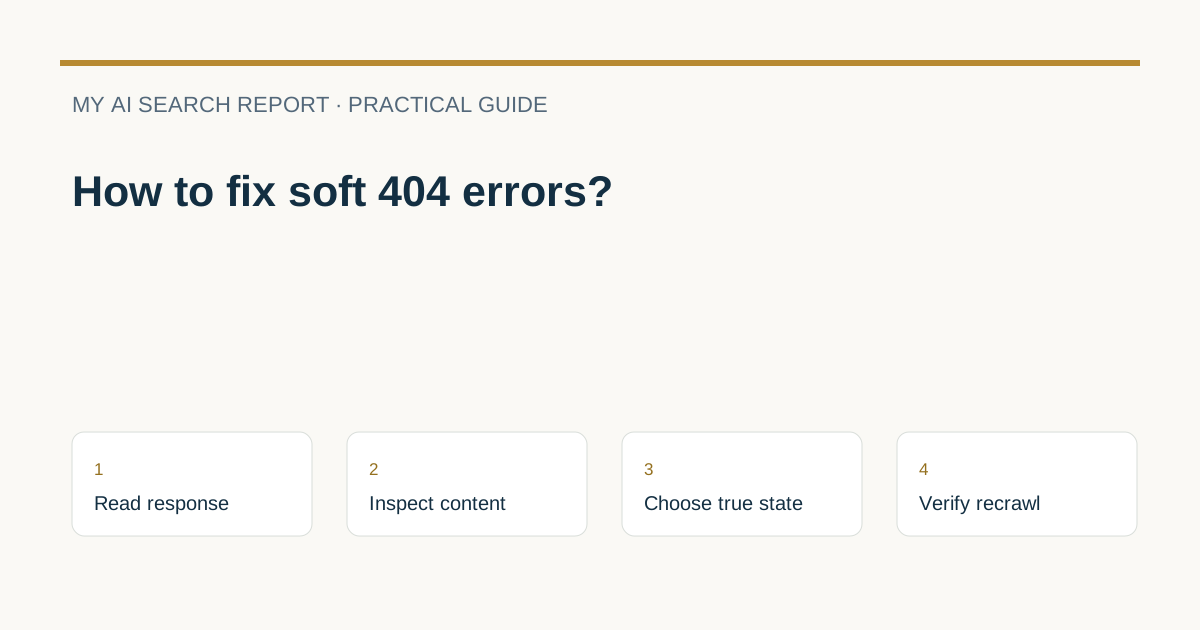
Diagnose a soft 404 step by step
- Verify HTTP status and body: Use your browser dev tools or curl to confirm the live response. If the page shows “not found” or is empty but returns 200, that’s a candidate soft 404.
- Check what Google saw: In Search Console’s URL Inspection, review the indexed data and run a Live Test. Use “View crawled page” to see HTML, response, and loaded resources (URL Inspection tool).
- Apply the correct fix: Choose 404/410 for gone pages, 301/308 for moved pages, or render meaningful content for valid pages. Google ignores 4xx bodies, removes them over time, and treats 301/308 as strong redirect signals (How HTTP Status Codes Affect Google's Crawlers).
- Validate in Search Console: After correcting affected URLs, click Validate fix in the Page indexing report. Validation typically takes up to about two weeks and you’ll get progress notifications (Page indexing report).
Hypothetical response examples
Removed product (wrong)
Status: 200 OK, body says not found. Likely soft 404.
{
  "error": "Product not found"
}
Fix: Return 404 Not Found with a helpful message (status is 404; body is optional for SEO, but good for users).
{
  "message": "We can’t find this product. See similar items at /laptops/."
}
Article moved (correct)
Use a permanent redirect to the closest equivalent. The JSON below is illustrative configuration, not a universal server or hosting format. Implement the actual HTTP redirect in your platform and verify the response status.
{
  "redirects": [
    {"from": "/blog/soft-404-guide", "to": "/guides/soft-404-fixes", "status": 301}
  ]
}
Valid page with empty state (fix rendering)
If the UI renders a blank screen while JS fetches data, Google may see an empty 200 page. Ensure meaningful server or initial render:
{
  "jobs": [],
  "city": "Berlin",
  "suggestions": ["Remote roles", "Nearby cities", "Set job alerts"]
}
Render helpful content based on this payload at first paint so the page isn’t effectively empty.
Common pitfalls to avoid
- Don’t blanket-redirect all missing URLs to your homepage.
- Don’t use noindex as a universal soft 404 fix. Apply it only where the page should intentionally remain unindexed.
- Don’t rely on robots.txt to hide soft 404s. Robots.txt can block crawling, but it doesn’t force deindexing on its own. For background, see Can robots.txt block indexing?
Actionable checklist
- Confirm each affected URL’s live HTTP status and content.
- Inspect the URL in Search Console and run a Live Test.
- Pick the correct action: 404/410 for gone, 301/308 for moved, or render real content.
- Fix internal links and sitemaps to match your chosen action.
- Request validation in the Page indexing report and monitor progress.
- Re-test a sample of URLs with URL Inspection after deployment (URL Inspection tool).
- Confirm Google is crawling normally; if in doubt, see How do I check if Google is crawling my site?
FAQs
How long until a soft 404 clears after I fix it?
After you click Validate fix in the Page indexing report, Google typically completes validation in about two weeks, though it can take longer. You’ll receive progress notifications (Page indexing report).
Should I use 404 or 410?
Both are valid for removed content. Google treats 4xx URLs as not indexable and removes them over time; choose based on your preference and server conventions (How HTTP Status Codes Affect Google's Crawlers).
Can robots.txt fix a soft 404?
No. A soft 404 is about mismatched content and status. Robots.txt only controls crawling, and blocked pages can still be indexed in some cases. To prevent indexing, use proper 4xx for gone or noindex where appropriate. For context, see Can robots.txt block indexing?
Sources and further reading
- How HTTP Status Codes Affect Google's Crawlers
- Page indexing report - Search Console Help
- URL Inspection tool - Search Console Help
Provider documentation can change. Check the current guidance before changing crawler or search settings.