Is IndexNow free?
Yes. IndexNow URL notifications are free to send via the public endpoints; any costs you encounter would come from a CMS, plugin or hosting provider’s own features, not the protocol itself.
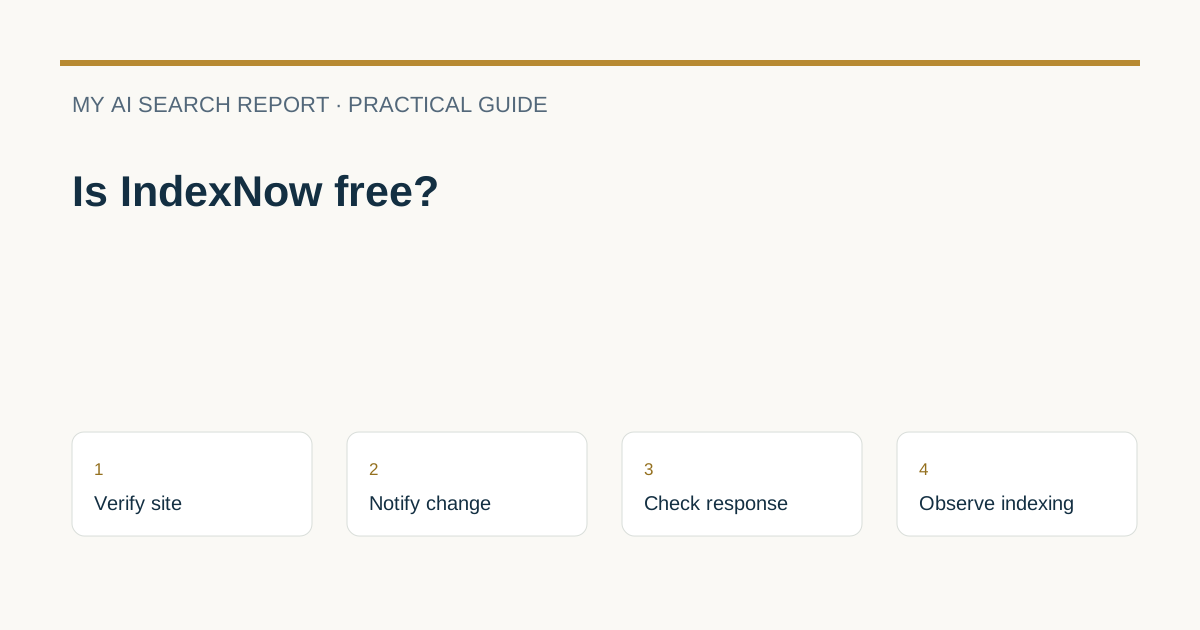
Yes. Sending IndexNow URL notifications through the public protocol is free. You host a public verification key file and send HTTP notifications when a URL changes. A CMS, plugin or hosting service may charge for its own automation; that is separate from the protocol (IndexNow FAQ; IndexNow documentation).
What IndexNow does and who receives your ping
IndexNow is a notification protocol: when you add, update or delete a URL, you ping one participating endpoint (or the global endpoint) so search engines know a change is worth crawling. Participating engines agree to share submitted URLs with the other participating engines, so one ping reaches the group, not the entire web ecosystem (IndexNow documentation). Submitting a URL only signals discovery; it does not guarantee that your page will be crawled or indexed, and engines decide based on their own scheduling and quality checks (IndexNow FAQ).
Costs: protocol vs provider
The IndexNow protocol itself is free to use: you host a key file and send HTTP requests as documented (IndexNow documentation). If you use a CMS, SEO plugin, CDN or hosting provider that automates notifications, any fee would be for that product or plan, not for IndexNow. The FAQ notes many platforms support IndexNow or offer add-ons (IndexNow FAQ), so check each vendor’s pricing if you prefer their automation.
How the verification key works (and what it is not)
To prove ownership, you publish a UTF-8 text file named after your IndexNow key (for example, {your-key}.txt) in the site root, or specify an alternate public location via keyLocation. Search engines fetch this file to validate your submissions (IndexNow documentation). This is a public verification file, not a private analytics or billing API key. Do not confuse it with confidential credentials you would normally keep secret.
URL scope matters if you use keyLocation
If you place the key file below the root and rely on keyLocation, only URLs within that path are eligible. For example, a key under /catalog/ can authorize URLs under /catalog/ but not /image/ (IndexNow documentation). Using a root-level key simplifies scope.
What to notify and when
- Notify on material changes: newly published pages, substantive updates, price or availability changes, redirects, and removals (404/410) (IndexNow FAQ).
- Avoid resubmitting the same URL many times a day unless it truly changed; for frequently updated pages, wait at least about 5 minutes between submissions (IndexNow FAQ).
- Send meaningful changes and handle submission rate limits separately from crawling. A notification does not mean the search engine has fetched the page (IndexNow documentation; IndexNow FAQ).
- Use sitemaps alongside IndexNow for full coverage; IndexNow is optimized for recent changes, not for bulk submission of all historical URLs (IndexNow FAQ).
- Submission is not a guarantee of crawling, indexing or ranking; engines apply their own criteria and schedules (IndexNow FAQ).
Submission methods and responses
You can submit a single URL via GET to a participating endpoint or the global endpoint, or batch up to 10,000 URLs per POST with JSON (IndexNow documentation; IndexNow FAQ).
{
  "host": "www.example.com",
  "key": "abcd1234-ef56-7890-abcd-1234567890ef",
  "keyLocation": "https://www.example.com/abcd1234-ef56-7890-abcd-1234567890ef.txt",
  "urlList": [
    "https://www.example.com/new",
    "https://www.example.com/product/123",
    "https://www.example.com/offers/sale"
  ]
}
Expected responses include 200 OK (received), 202 Accepted (key validation pending on first use), 400 Bad Request (format), 403 Forbidden (key not valid), 422 Unprocessable Entity (URL does not belong to the host or key format issue), and 429 Too Many Requests (rate limited). Follow Retry-After on 429 and correct formatting on 400/422/403 (IndexNow documentation; IndexNow FAQ).
Compact actionable checklist
- Ownership key: generate a key, publish
{key}.txtin the root; verify it loads publicly. If using a subpath withkeyLocation, remember scope limits (IndexNow documentation). - URL scope: only submit URLs on the verified host (and within the key’s path if using
keyLocation) (IndexNow documentation). - Change detection: trigger pings on adds, substantive edits, redirects and deletions; debounce frequent updates (~5 minutes) (IndexNow FAQ).
- Encoding: URL-encode submitted URLs per RFC 3986 so special characters are safe (IndexNow documentation).
- Responses: log HTTP 200/202 success; fix 400/403/422; back off on 429 using Retry-After (IndexNow documentation).
- Realistic expectations: pings are shared with participating engines only and don’t guarantee crawling, indexing or ranking (IndexNow documentation; IndexNow FAQ).
FAQ
Will my ping reach every search engine?
No. Pings are shared among participating IndexNow search engines, not across all search engines globally (IndexNow documentation).
Does IndexNow replace sitemaps?
No. Use IndexNow for rapid change notifications and sitemaps for comprehensive URL discovery (IndexNow FAQ).
Related reading
Sources and further reading
Provider documentation can change. Check the current guidance before changing crawler or search settings.