Why are my Google AI answers not showing up?
A practical guide to why you may not see an AI Overview in Google Search, or why your site isn’t cited in it, with steps to check query type, feature availability, and technical eligibility.
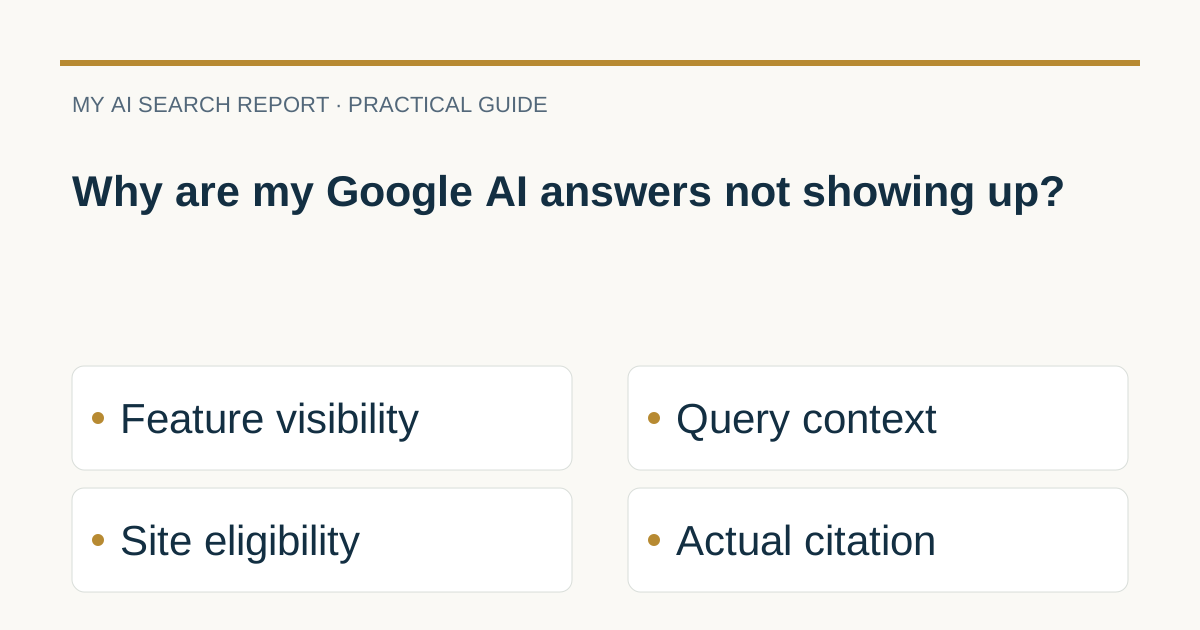
Short answer: You may not see an AI Overview because Google only shows it when the system determines it adds value beyond classic results and, as a result, it often doesn’t trigger. If you’re hoping your own site is cited, pages must be indexable and eligible for a search snippet, but there are no extra technical tags that guarantee inclusion or a citation. See Google’s guidance on eligibility, triggers and controls for AI features in Search (Google Search Central: AI features and your website).
First, clarify what you mean by “not showing up”
- You’re a searcher: An AI Overview isn’t appearing on your query. Google only shows AI Overviews when they’re additive to classic results, and they frequently don’t appear. AI Mode and AI Overviews use different models and techniques, so links and responses vary by context (Google Search Central: AI features).
- You’re a site owner: Your pages aren’t being cited in an AI Overview. To be eligible as a supporting link, a page must be indexed and eligible to be shown in Google Search with a snippet; there are no additional technical requirements specific to AI Overviews or AI Mode (Google Search Central: AI features).
For other reasons your results page can look different across people, places and times, see Why are my Google Search results different?.
If you’re a search user: why an AI Overview may not appear
- Not every query gets one. AI Overviews are designed for queries where they can add benefits beyond the classic results, so they often don’t trigger (Google Search Central: AI features).
- Query and context matter. Google’s systems may use a “query fan-out” approach to explore related subtopics and sources. Different models and techniques are used for AI Mode vs. AI Overviews, so responses and links vary by situation (Google Search Central: AI features).
Practical tip: AI features are most helpful for multi-step questions that need synthesis or comparison. Reframe simple lookups into specific, complex tasks, but there is no way to force an AI Overview to show.
If you’re a site owner: why your site may not be cited
1) Eligibility and indexing
- Must be indexed and snippet-eligible. To appear as a supporting link in AI Overviews or AI Mode, a page must be indexed and eligible to be shown with a snippet. There are no extra AI-specific tags to add (Google Search Central: AI features).
- Check Search Console. Verify your site and use the Coverage and Performance reports to confirm indexing and overall Web search traffic. Sites appearing in AI features are counted within the Web search type in Search Console, not a separate report (Google Search Central: AI features).
2) Don’t accidentally block previews
- Robots and preview controls. If you block Googlebot in
robots.txtor use controls likenoindex,nosnippet,data-nosnippet, or a restrictivemax-snippet, you can make a page ineligible to be shown with a snippet and therefore ineligible for AI features. If you change controls, allow time for recrawl (Google Search Central: AI features). - Troubleshoot with URL Inspection. Use the URL Inspection tool to see the HTML Googlebot received and confirm your preview controls are visible as intended (Google Search Central: AI features).
3) No special schema is required, but SEO fundamentals still help
- No extra markup needed for AI features. Google states there are no additional technical requirements beyond normal Search eligibility (Google Search Central: AI features).
- Structured data remains useful for Search. Use structured data appropriately and ensure it matches what is visible on the page; it can help Google understand your content and enable rich results where applicable (Google Search Central: AI features, Intro to structured data markup).
- Keep SEO basics in place. Allow crawling, use solid internal links, provide a good page experience, make important content available as text, and keep Business Profile or Merchant Center details up to date where relevant (Google Search Central: AI features).
Measuring results
Traffic from AI features is included in Search Console’s Performance report under the “Web” search type. Analyze changes over time and complement with your analytics to understand on-site engagement. Google notes that clicks from pages with AI Overviews can be high quality, but there is no separate AI Overview performance view (Google Search Central: AI features).
For background context on the underlying technology, see What model is behind Google AI Overview?.
Compact checklist
- As a user: Try asking a complex, multi-step question where a synthesis would add value; understand AI Overviews often don’t trigger (AI features and your website).
- Confirm your page is indexed and shows a snippet in classic Search; fix crawl or indexing issues in Search Console (AI features and your website).
- Inspect
robots.txt, meta robots, and preview controls (nosnippet,data-nosnippet,max-snippet) so you’re not unintentionally excluding eligibility (AI features and your website). - Keep SEO fundamentals strong; ensure any structured data matches visible content (AI features and your website, Intro to structured data).
- Measure performance in Search Console under Web search type; there is no separate AI Overview report (AI features and your website).
Quick FAQs
Do I need special schema or an llms.txt file?
No. There are no extra technical requirements for AI Overviews or AI Mode beyond standard Search eligibility. Focus on indexability, snippet eligibility, and solid content. If you use structured data, ensure it matches visible text (AI features and your website).
Where can I see AI Overview traffic?
It’s included in Google Search Console’s Performance report under the Web search type. Google does not provide a separate AI Overview performance view (AI features and your website).
Can I block my content from appearing in AI features?
Controls for Search previews apply. Use nosnippet, data-nosnippet, max-snippet or noindex to limit display, and manage Googlebot access via robots.txt. Allow time for recrawl after changes (AI features and your website).
Put this into practice
Record the exact query, location, signed-in state and time before comparing results. Do not change the page simply because one search does not show an AI answer; distinguish interface availability from whether the page was cited.
Sources and further reading
Provider documentation can change. Check the current guidance before changing crawler or search settings.