Can Anyone Use Search Console? Ask for the Property and Role the Audit Needs
Check Search Console access for a specific property. Match an audit task to the user role and verify whether the property covers the URLs in scope.

 My AI Search Report
At a glance
Anyone can open Search Console, but a property’s data requires appropriate access. Start from the exact scope, such as a Domain property or an HTTPS URL-prefix property. Then check the smallest supported user role for the task in Google’s permissions table.
In this guide
You can open Google Search Console using a Google account. To see a site’s data, you need access to its property. Start by asking which property is used for the report and what you need to do in it. Those are two different decisions.
Identify the property before asking for access
Imagine an audit for an HTTPS help section. Google documents Domain properties that cover a domain’s subdomains and protocols, and URL-prefix properties that cover the specified start of a URL. If the owner has both, ask for the exact property used in the reporting notes. A Domain property can cover more than the intended help section, while a particular URL prefix may omit a different host or path.
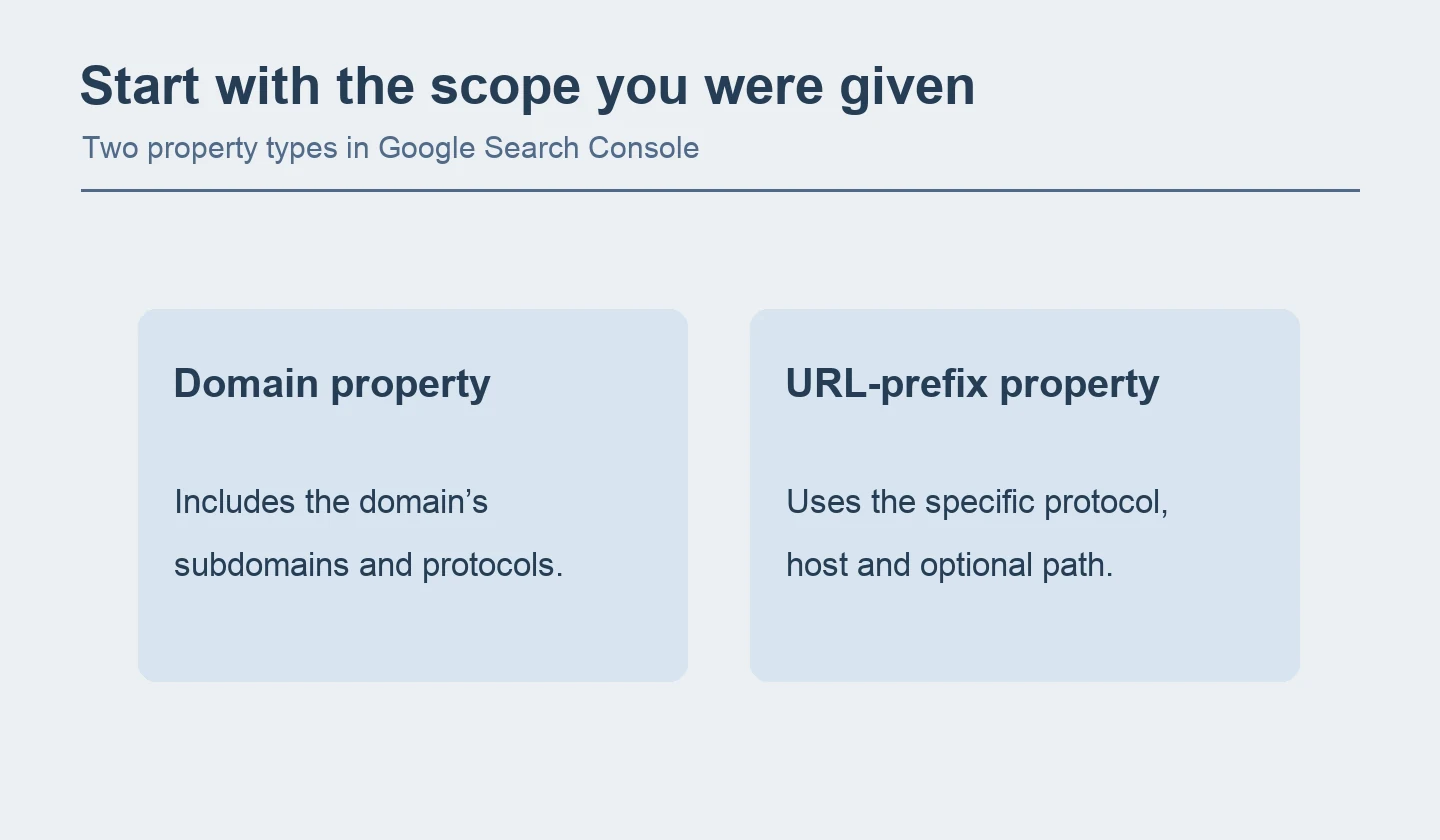

Read Google’s property boundaries Add a website or platform property to Search Console.
Sources: Add a website or platform property to Search Console · Verify your site ownership
Match access to the report or action
Google’s permissions table distinguishes owners, full users and restricted users. If your job is to review a performance chart, specify that report. If you also need to perform a particular inspection action, name it separately and have the owner check the current table. This gives the owner a concrete choice instead of a general request for all account access.
| Task | First check | Owner action if needed |
|---|---|---|
| Review a performance report | Does it display in the exact property? | Grant the role needed for the required report |
| Use an inspection action | Find the action in Google’s role table | Grant only the needed capability |
| Manage users | Confirm who owns the property | Have an authorised owner manage access |
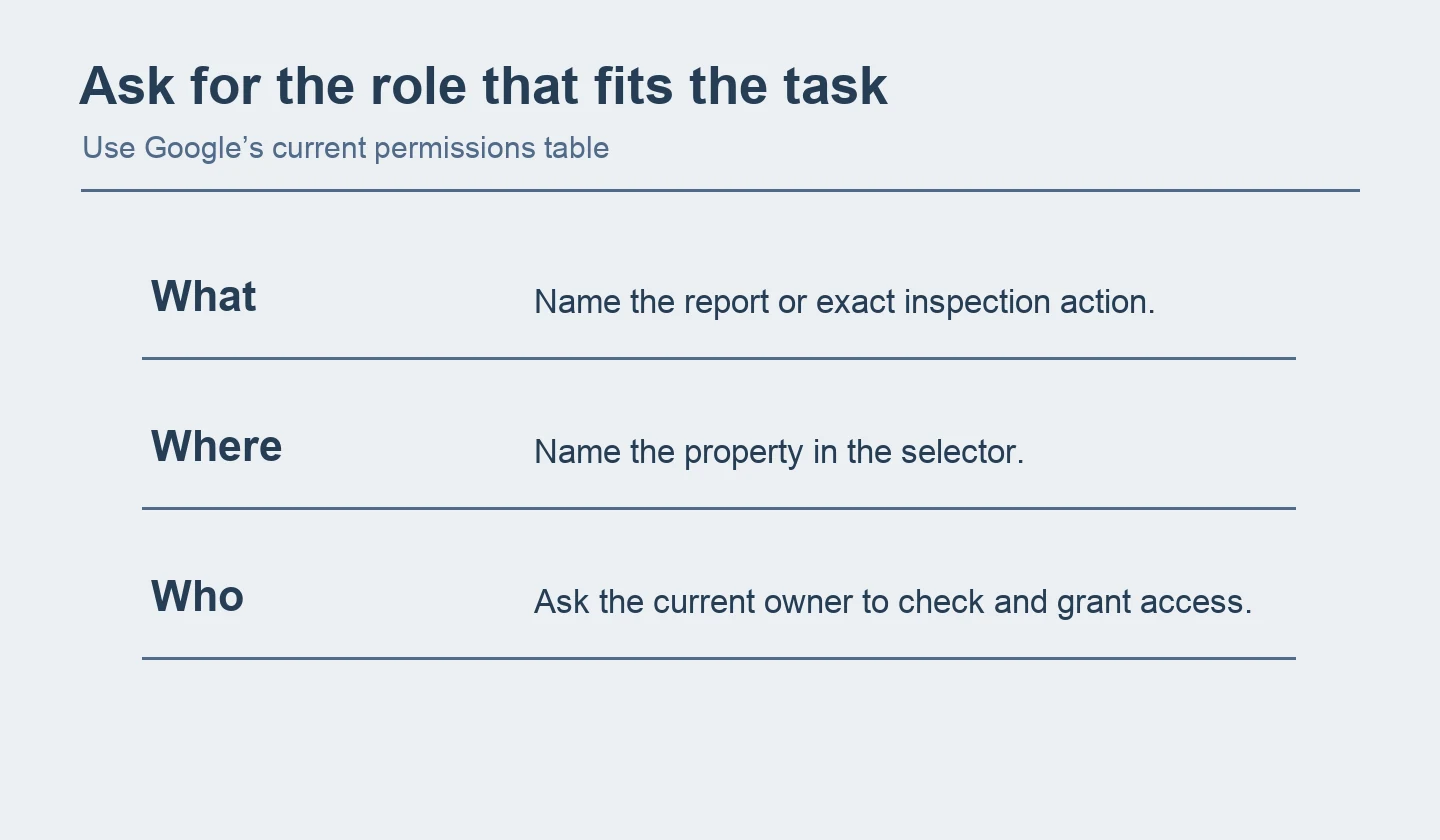
Check scope and permission separately.
Property scope
Determines which URLs and protocols the property covers.
User role
Determines which reports and actions the authorised account can use.
Check the role and action table Managing owners, users, and permissions.
Sources: Google Search Console Help
Use the exact scope in your first readback
After access is granted, sign in with the account the owner added and open the intended property. Record the date range, dimensions and filters before comparing figures with a colleague. If the report or a URL is out of reach, compare the property and role first. A mismatch there can look like missing search data even when you simply opened a different scope.
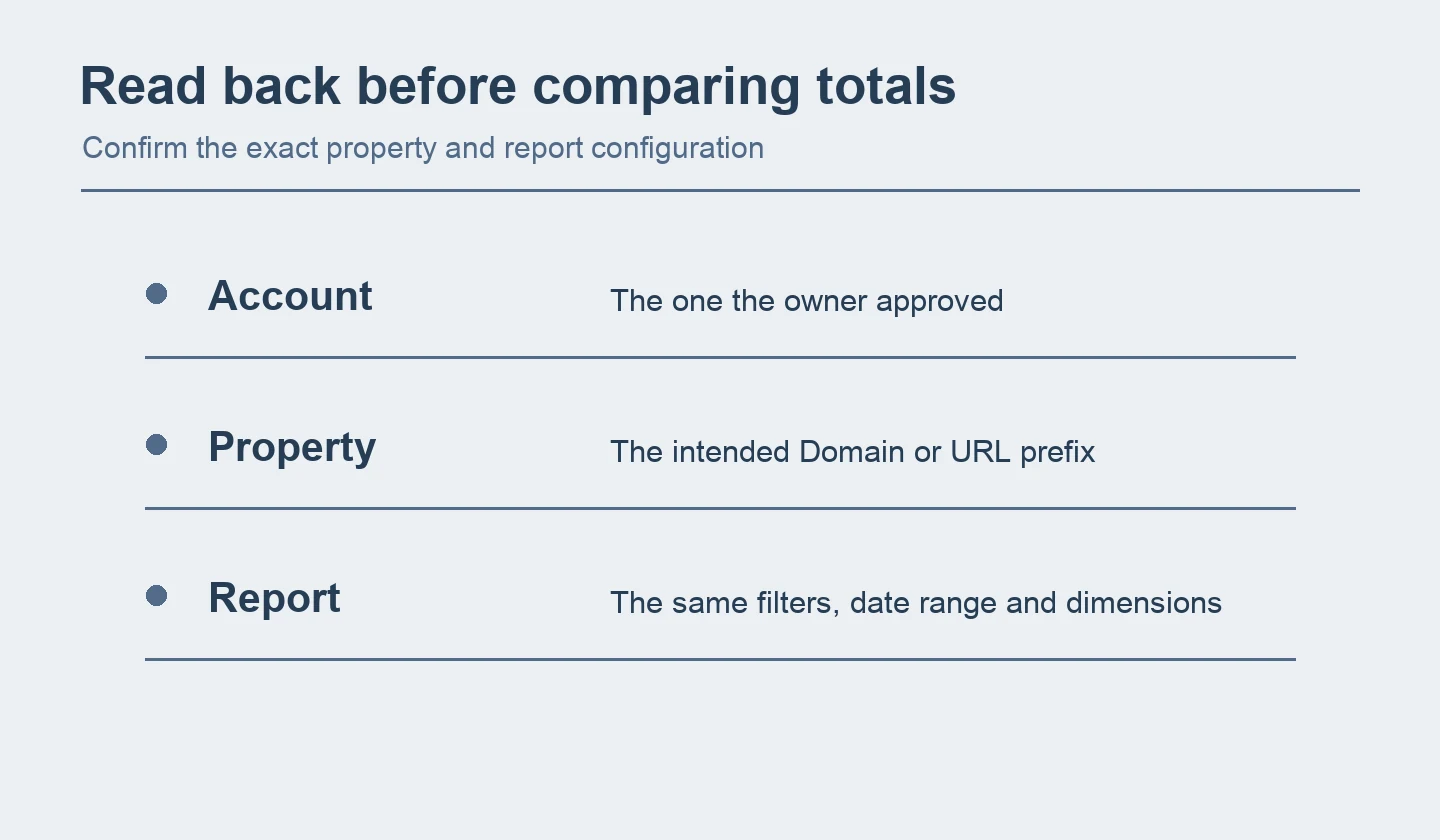
Verify the audit handoff
- Write the exact property name or prefix.
- List the task or required report.
- Ask the owner to check the current permissions table.
- Open the correct property before counting results.
Review the supported ownership verification routes Verify your site ownership.
For the related task, see Compare performance figures in the same scope.
Sources: Add a website or platform property to Search Console · Managing owners, users, and permissions · Verify your site ownership
Frequently asked questions
Can a consultant own the property just by opening it?
No. An owner must grant permission or an eligible person must verify ownership using a supported method.
Is a Domain property the same as an HTTPS prefix?
A Domain property has broader domain scope. A URL prefix uses the given protocol, host and any specified path.
Should I always request Full user?
Check the current permission matrix for the report or action. A narrower role can work for tasks it supports.
What if one colleague can see the report but I cannot?
Confirm that you are signed in with the intended account, select the exact same property and ask the owner to confirm the role.
My AI Search ReportCheck Search Console cost and setup
Separate access from licensing or API limits.
Read the Search Console access and cost guideContinue with a related guide
- Check Search Console cost and setup
Separate access from licensing or API limits.
- Compare performance figures in the same scope
Record property and filters before comparing totals.
- Check two addresses in URL Inspection
Use the exact property, address and report mode.
References
- Managing owners, users, and permissions Google Search Console Help
- Add a website or platform property to Search Console Google Search Console Help
- Verify your site ownership Google Search Console Help