What Does Indexed Mean in Search Console? Inspect the Main URL and the Alternate
Compare two exact URLs and note the indexed verdict, chosen canonical and last crawl date. Use the live test to answer a separate availability question.

 My AI Search Report
At a glance
Indexed means the reported page is in Google’s index as of the indexed record. A working alternate may resolve to the same content while Google keeps the intended main URL in the index.
Check the exact URL and indexed verdict before submitting it again
In this guide
Indexed means that Google’s reported record includes the page in its index. If you have two forms of the same page, look at which exact form Google selected. A different reachable URL can correctly show an alternate result while the main guide is indexed.
Choose two exact addresses
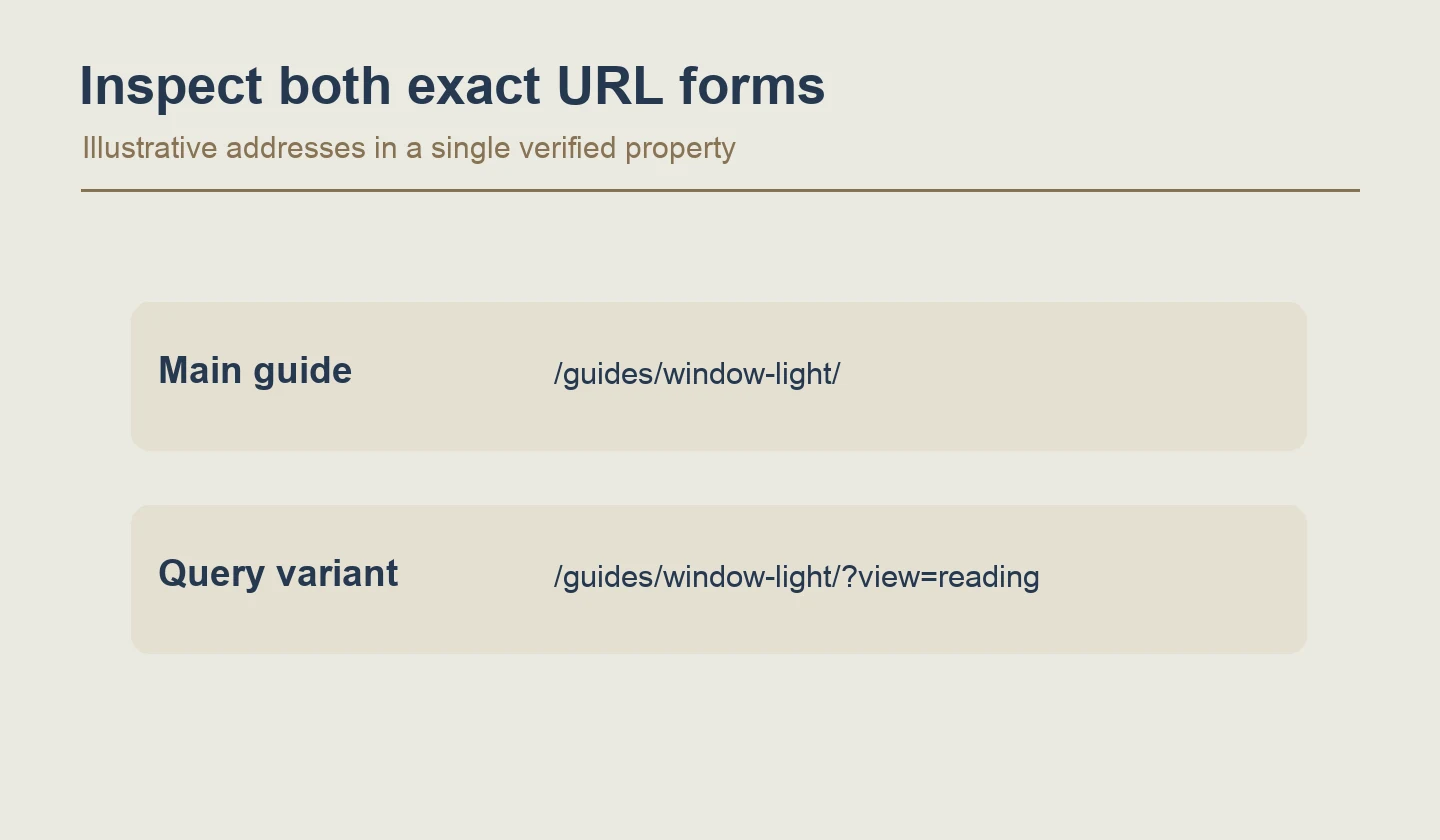
Suppose an article lives at example.com/guides/window-light/ and a link also adds ?view=reading to the same article without changing the main content. Start your note with the two full URLs, including the query where it exists. Write which one you intend readers and search engines to use as the main URL.
Inspect both forms in the same verified property. Record the indexed verdict and the last crawl date where they appear. Keep the full address in the note because a query, slash or host can change which URL you are checking. A headline search for the article cannot tell you which exact row you just inspected.
For coverage report meanings, see Page indexing report.
Sources: URL Inspection tool · Page indexing report
Read the selected URL in the indexed view
In the example, the main guide is indexed. The alternate has a duplicate or alternate status and the selected canonical points to the main guide. That is a coherent result if the contents and signals reflect the intended main page.
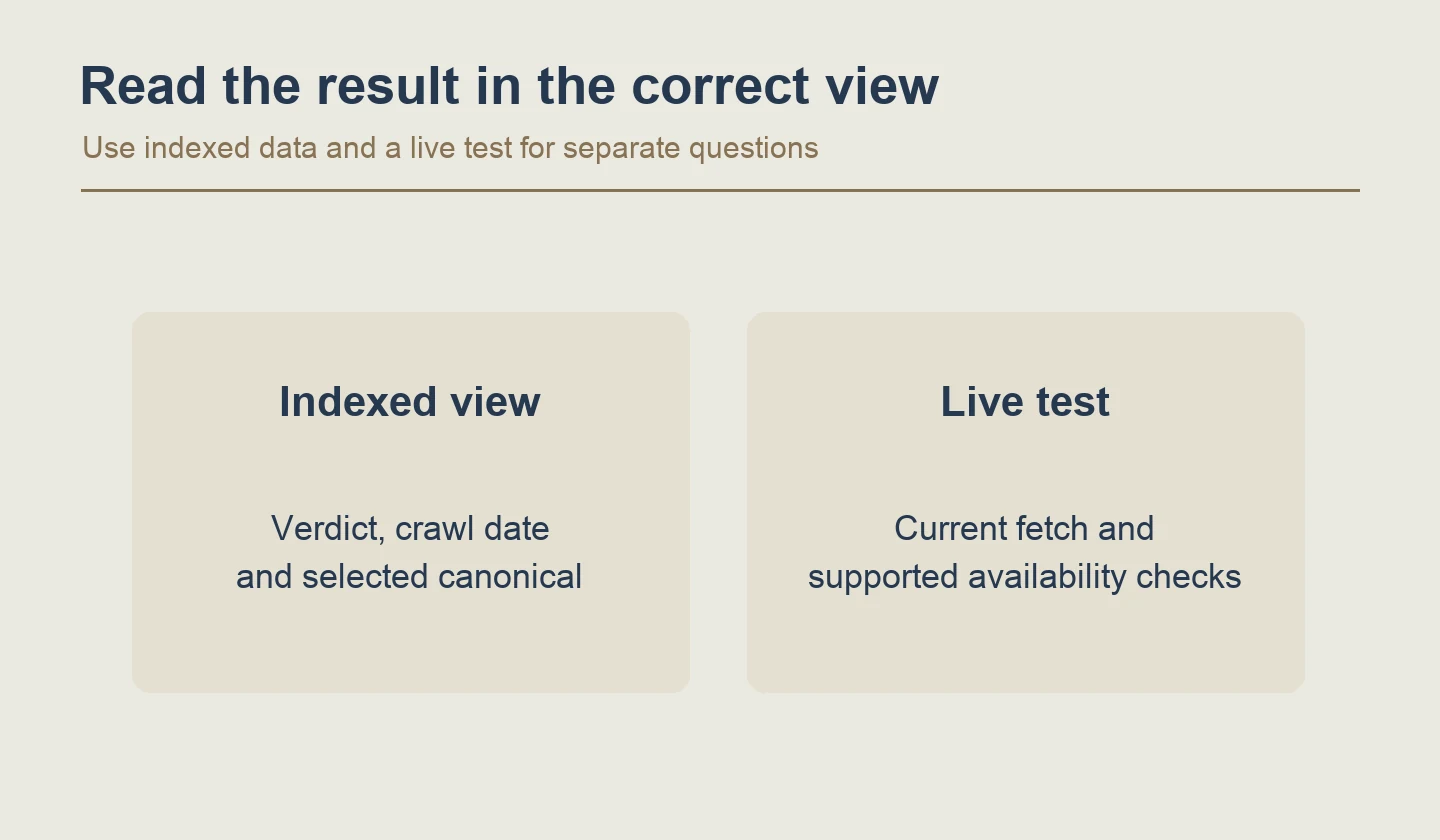
Run a live test only for the separate question of current availability or supported indexability conditions. A good live result for the alternate does not tell you that this alternate was chosen for the index. If a canonical value is unavailable in the indexed report, mark it unknown and read the report reason before drawing any conclusion.

Use each view for what it knows
Indexed view
Read the status, last crawl and selected canonical if shown.
Live test
Check the current response and supported availability tests.
For the two inspection views and their fields, see URL Inspection tool.
Sources: URL Inspection tool · Page indexing report
Decide whether the signals need a change
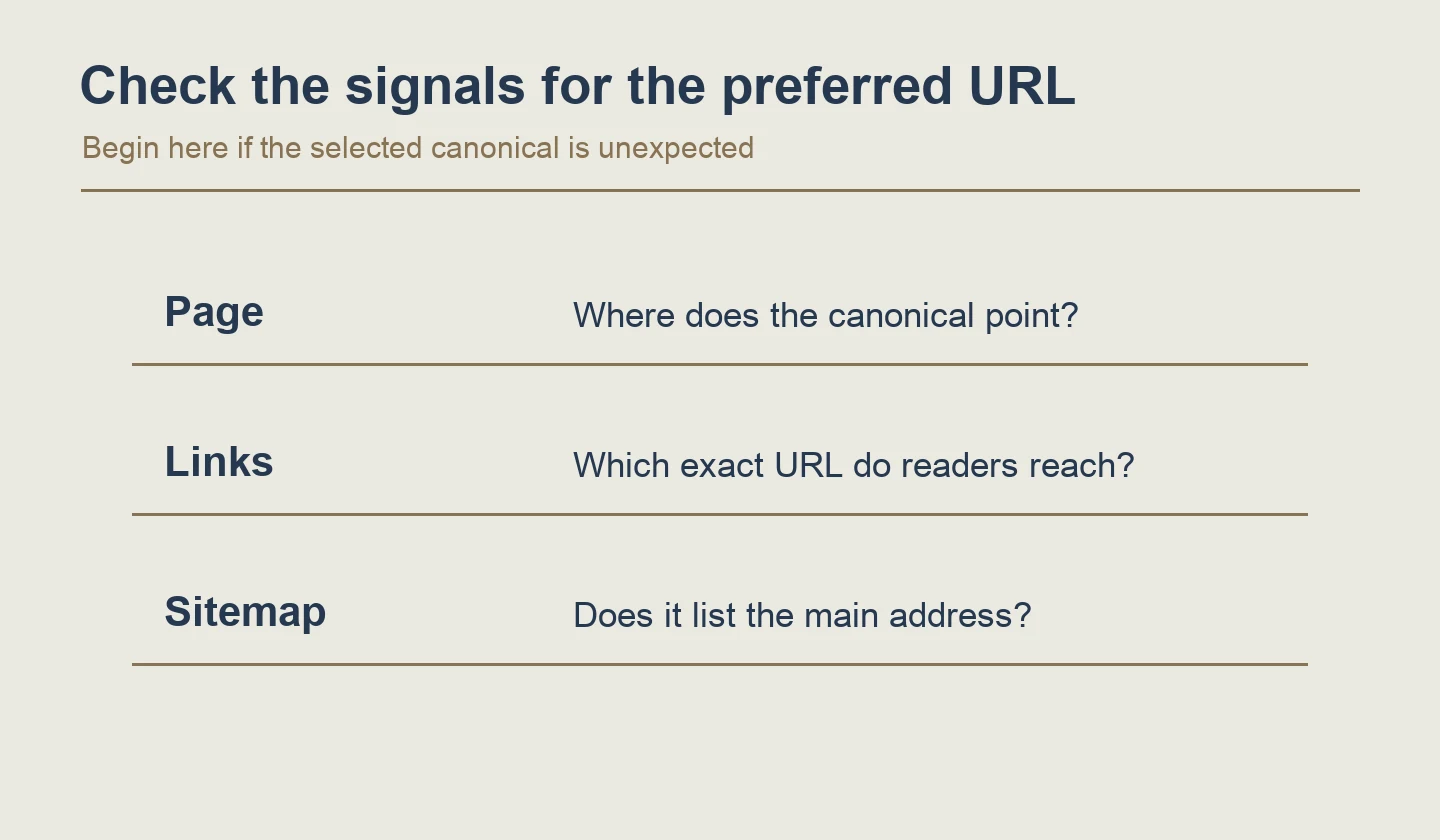
If Google chooses the URL you expected, you can retain a useful alternate and keep the signals pointed at the main page. If the selected URL is unexpected, look at the two actual responses, the canonical declaration, the URLs used by internal links and the sitemap. For duplicates, those signals should agree about which page is preferred.
Record when any change went live and compare that with the crawl date in the indexed result. If the report predates the change, retain both pieces of evidence. Your note should tell a second reviewer which page was selected, which page is available now, and whether there is a specific conflict still to address.
| Indexed result | What it may mean | Next evidence |
|---|---|---|
| Main guide indexed, query variant alternate | Expected consolidation | Verify which exact main URL is selected |
| Google chooses an unintended variant | Signals may disagree | Compare internal links, canonicals and sitemap entries |
| Live test works but indexed details are old | Current availability and earlier indexing state differ | Keep the crawl date and change date together |
Make an inspection note for each URL
- Write the exact form and expected canonical.
- Record the indexed verdict and last crawl time.
- Record the selected canonical if shown.
- Compare current signals only if the result does not match the intent.
For how canonical signals work together, see How to specify a canonical URL.
For the related task, see Check when Google accessed the site.
Sources: Google Search Central · Google Search Console Help
Frequently asked questions
Does indexed guarantee impressions?
No. Index presence lets the page be considered for search results. It does not guarantee display for a query.
Is every alternate a problem?
No. A duplicate variant can correctly consolidate into the preferred main page.
What if the canonical field is absent?
Record it as unavailable and read the stated reason. Do not infer a selected URL from a successful live test.
Would a sitemap force the preferred canonical?
No. It is one signal. Keep the sitemap, internal links and page declarations consistent with the intended URL.
My AI Search ReportCheck the crawled but not indexed status
Read that status without assuming a duplicate.
Check the exact URL and indexed verdict before submitting it againContinue with a related guide
- Check the crawled but not indexed status
Read that status without assuming a duplicate.
- Check when Google accessed the site
Distinguish a recorded crawl from current availability.
- Read indexing instructions on the final response
Check the directive at the exact destination.
References
- URL Inspection tool Google Search Console Help
- Page indexing report Google Search Console Help
- How to specify a canonical URL Google Search Central