What Is a Search Snippet? Record the Query and What Google Displays
Identify the description beneath a search result and compare two queries without assuming that a normal snippet, featured result and AI citation are the same thing.

 My AI Search Report
At a glance
A search snippet is descriptive preview text. Google can choose text from the page or use its meta description and can display different snippets for different searches.
In this guide
A search snippet is the short descriptive text Google can show with a result. It previews the page for the search you made. The same page may get different preview text for different queries, so save the query and exact excerpt together before deciding that anything needs fixing.
Identify the description you are actually looking at
Look below or near the result’s title link for the description associated with the page. That is different from a featured extract shown in its own result format. A source link within an AI-generated answer is a different observation again. Label the format you actually saw.
Google says it primarily uses page content and sometimes uses the page’s meta description. A missing match with the meta description is not evidence that the display is broken. Read what the excerpt tells a person who entered that particular query.
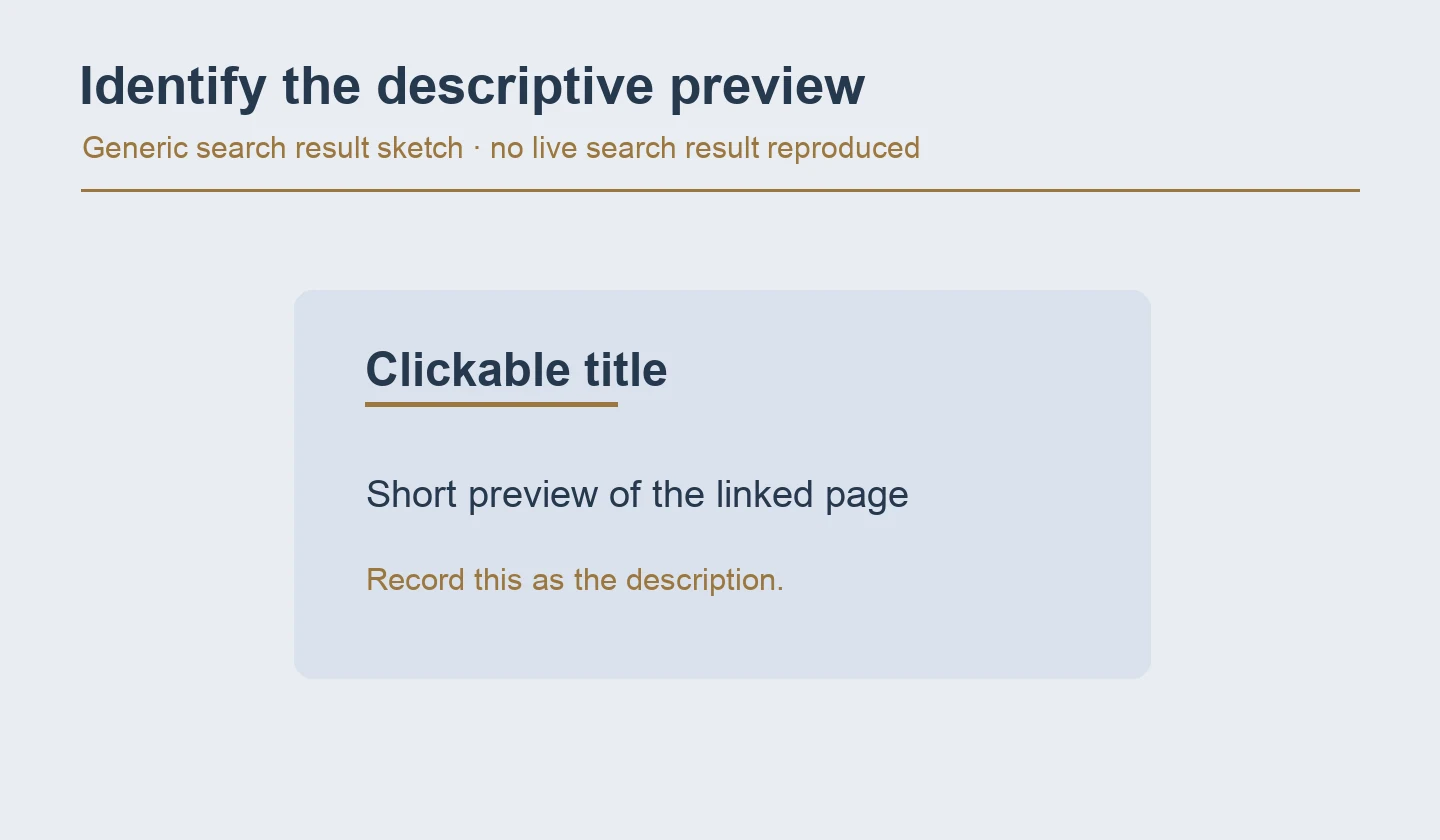
Record what result format you saw
Ordinary result description
Preview text that describes the linked page for the particular search.
Other search features
A featured extract or a citation in an AI answer is a different observation with its own placement and context.
For how Google creates ordinary description text, see Control your snippets in search results.
Sources: Control your snippets in search results · Website appearance in Google Search
Log two queries for the same public page
Imagine a public instruction page that covers a ticket’s printing deadline and whether passengers may show it on a phone. Save one normal search for the deadline and a second for showing a mobile ticket. Keep the date, market and device type with each observation. If the same page appears, copy the descriptive excerpt and its result type.
A missing result can go in a separate row. It gives you no snippet text to compare. The example here describes a recording method and makes no claim about current results for either search.
| Search | Page’s possible focus | What to save |
|---|---|---|
| bus ticket printing deadline | Print or save by a particular time. | Exact visible excerpt and result type. |
| can I show the bus ticket on my phone | Show a mobile ticket when allowed. | The excerpt for this separate query and the page URL. |
| If the page does not appear | No visible preview in that check. | Record unavailable or not seen. |
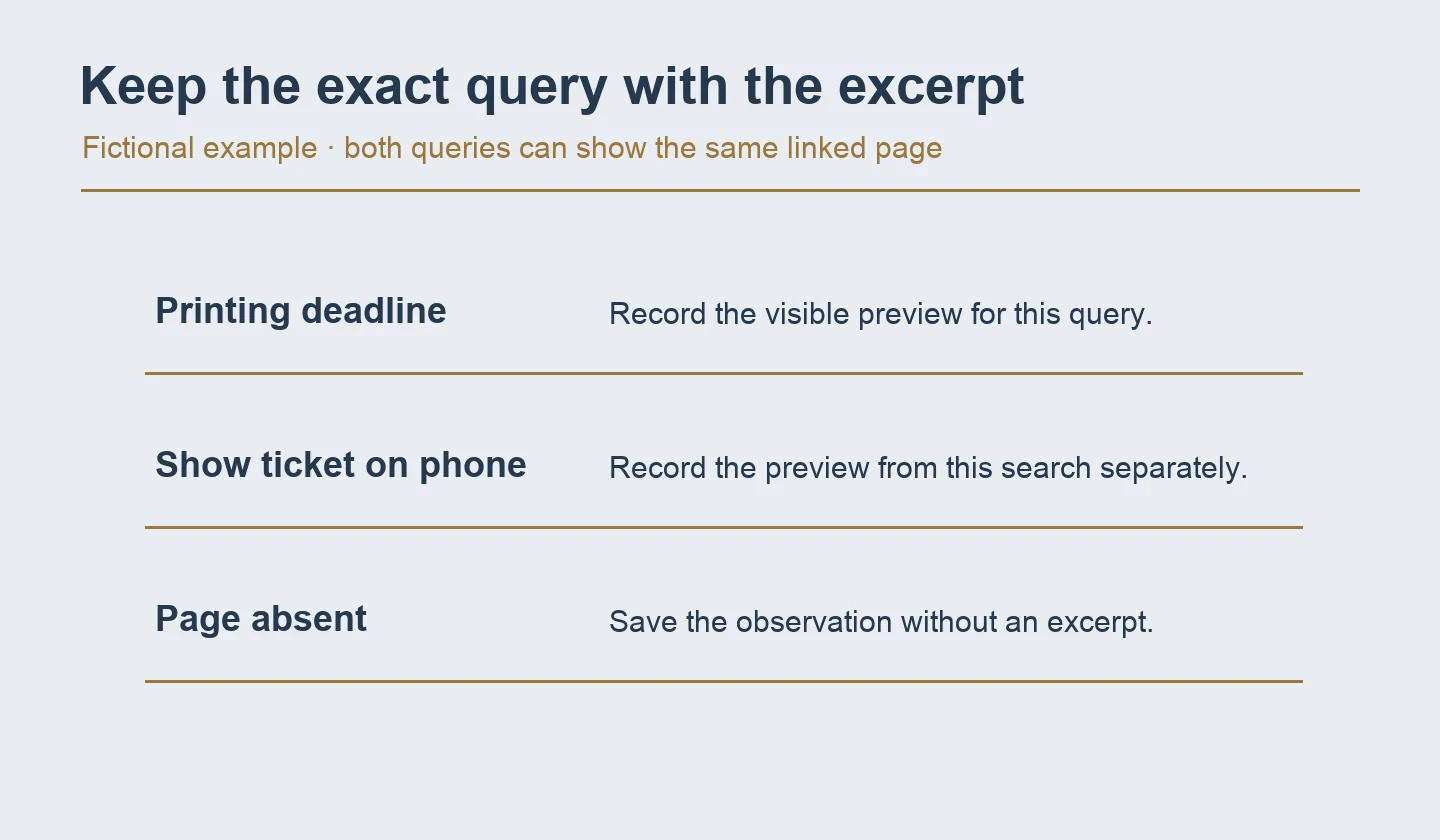

For the difference between the title link and descriptive result text, read Website appearance in Google Search.
Sources: Control your snippets in search results · Website appearance in Google Search
Change the source page only when needed
If the snippet points to a confusing passage, read that part of the page. You can clarify the passage or write a better one-sentence description when it helps the reader. Keep the exact answer and its conditions visible on the page. After a change, repeat the same observations and retain both sets.
Do not count a normal description as an answer citation. Save those checks separately so a future audit can tell what you actually observed.
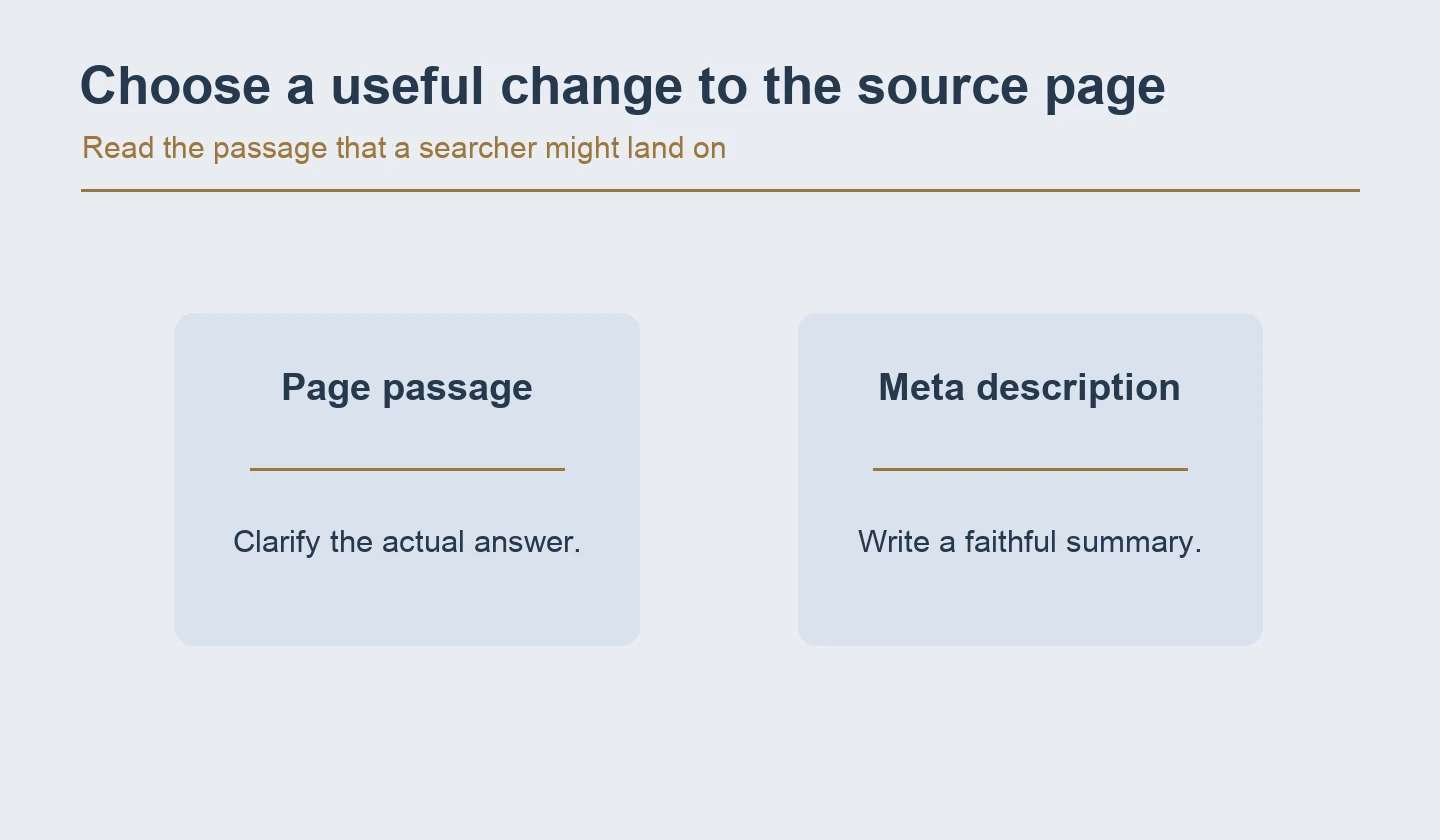
Before editing a page description
- Record search, date, market and device type.
- Verify the visible result points to the intended page.
- Read the excerpt and the current page summary.
- Make one relevant edit only when the page needs it.
For guidance on writing a unique page description, see Control your snippets in search results.
For the related task, see Check a citation inside an AI answer.
Sources: Google Search Central
Frequently asked questions
Is a snippet the same as the clickable title?
The title is the link label. The normal snippet is descriptive text shown with the result.
What if I see no descriptive excerpt?
Record that result as observed. Check the page and any preview controls before assuming a cause.
Does a good ordinary snippet mean an AI system cited me?
No. An ordinary snippet and a source reference in an AI answer are different evidence.
Can I force Google to use one sentence for all searches?
Google automatically selects these previews. A clear page summary helps readers without guaranteeing a particular snippet.
My AI Search ReportIdentify a featured snippet separately
Check the additional result format before counting appearances.
Compare a featured extract with an ordinary descriptionContinue with a related guide
- Identify a featured snippet separately
Check the additional result format before counting appearances.
- Check a citation inside an AI answer
Verify what the referenced page actually supports.
- Check the access behind your result observations
Look at crawler and indexing conditions when the page itself is hard to find.
References
- Control your snippets in search results Google Search Central
- Website appearance in Google Search Google Search Central