Does Google Crawl Noindex Pages? Check the Final PDF Response
Verify the robots header on a public PDF after redirects, then distinguish live delivery from Google’s last inspection result.

 My AI Search Report
At a glance
Google has to reach a resource to read its noindex rule. For a public PDF, check the X-Robots-Tag on the final file response and make sure robots.txt lets Google fetch it.
In this guide
Yes. Google can crawl a URL that carries noindex, and the crawl is how it reads the rule. For a PDF people can still download, inspect the final file response. The HTML that links to it and the file may have different URLs and separate robots directives.
Find the final public PDF URL
Open the public download link in a normal browser session. If your web host sends it through a rewrite, redirect or document host, record the final address. Inspect the download in the browser’s Network panel. Select the GET request whose response actually carries the PDF and confirm the content type. A status for the download page itself does not tell you what the file carries.
Keep the original link and the final address beside each other. An older campaign link can still reach the same file through a different redirect. If you fix a header on the old path, repeat the check. The response that delivers the file must carry the right instruction where the crawler sees it.
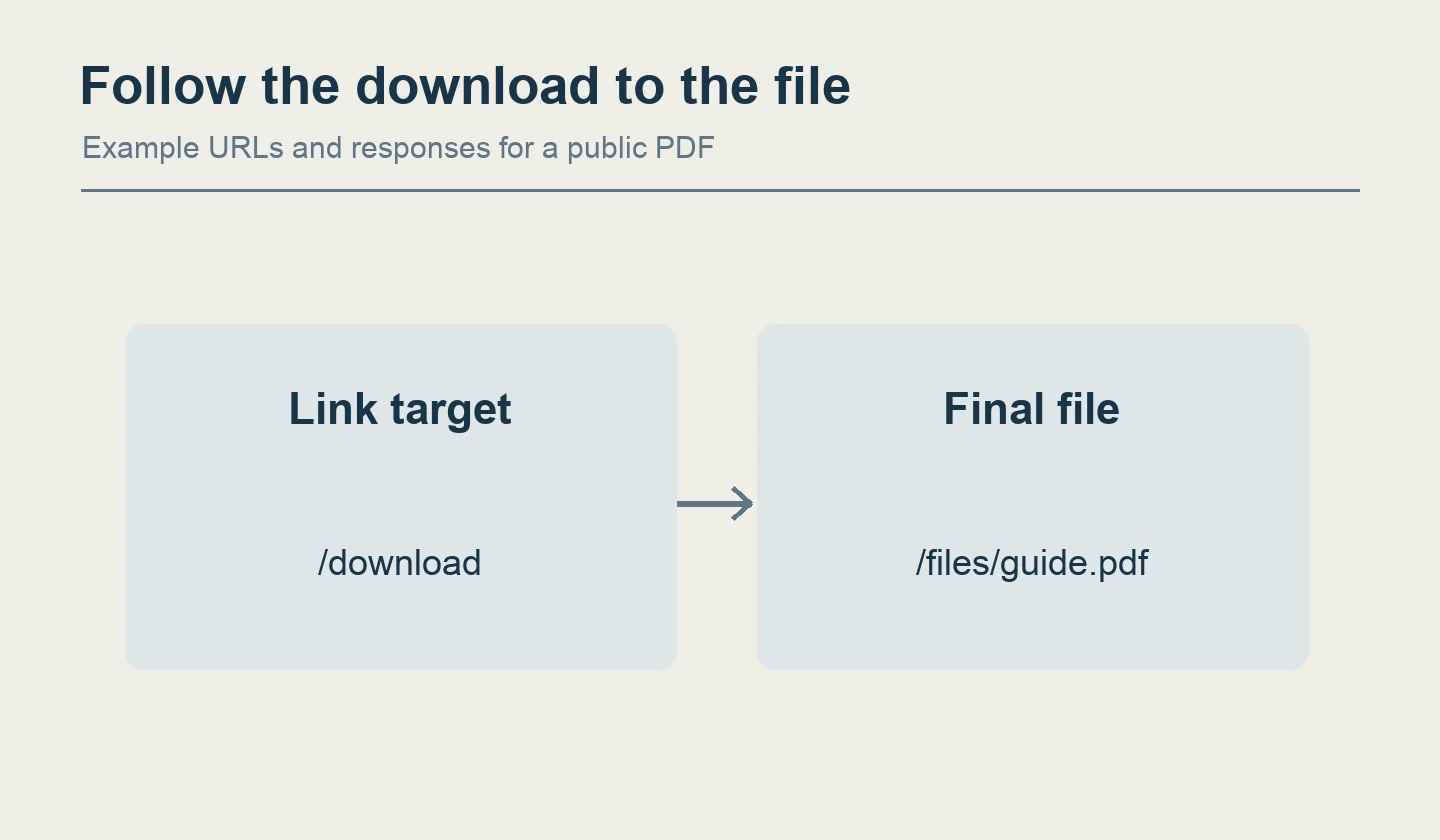
For why a header-only request can differ, see RFC 9110, HEAD.
Sources: Google Search Central · IETF
Read the robots header on the file itself
In the final response, look for an X-Robots-Tag header with the noindex directive. A robots meta tag on the HTML landing page applies to that page. Google documents a response header for file types such as PDF. Compare the actual GET you just made, because HTTP permits some header differences when a server instead answers a HEAD request.
If you expect a header and cannot find it, check which service is delivering the final file. A file on a different hostname can be served by a different provider or rule. Fix the exact public-file response, then fetch the link again and confirm the updated instruction before moving on to Search Console.
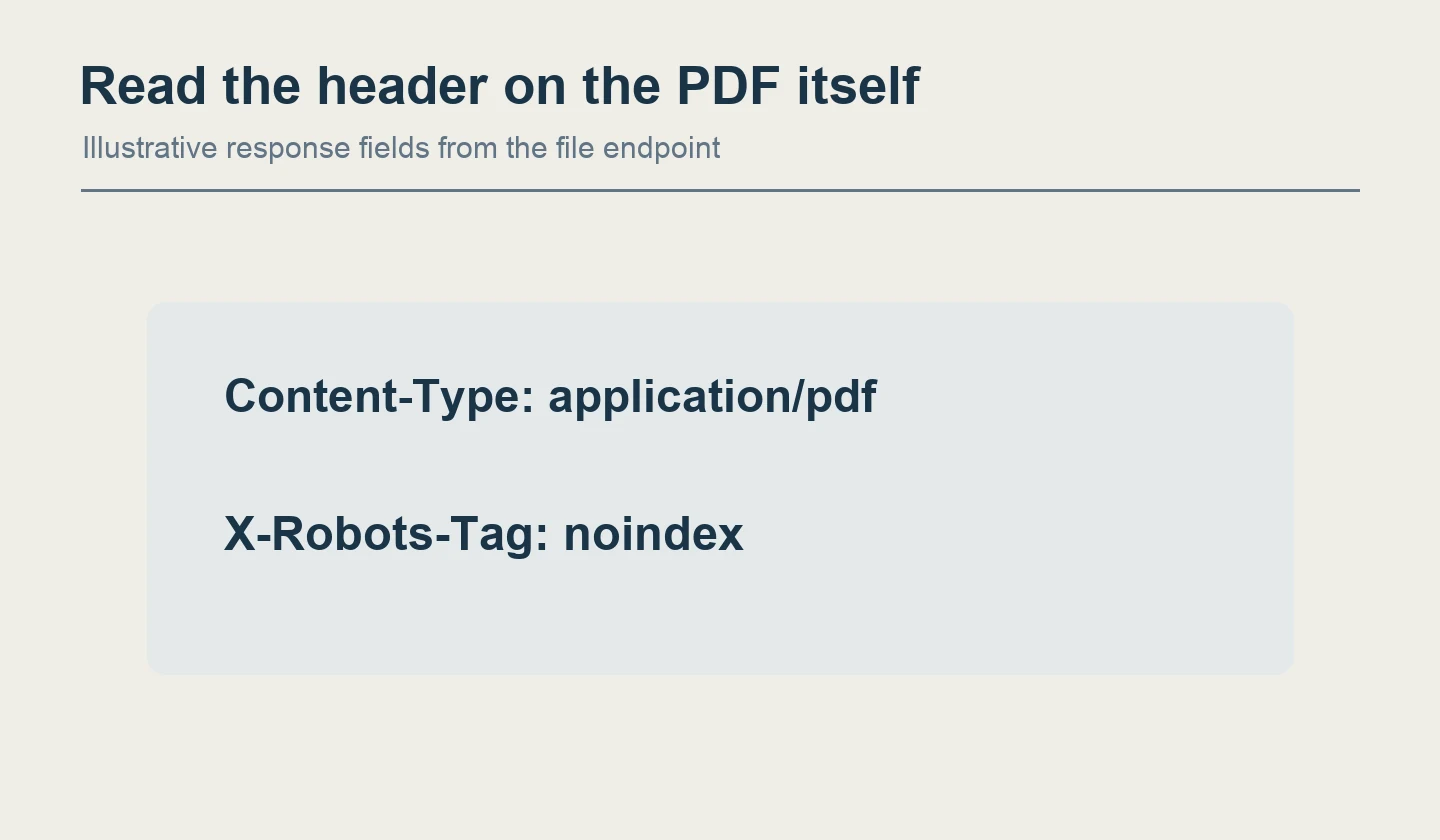

For the directive on non-HTML files, see Robots meta tag and X-Robots-Tag specifications.
Sources: Block Search indexing with noindex · Robots meta tag and X-Robots-Tag specifications
Compare live headers with Google’s record
Check whether robots.txt allows Google to fetch the final URL. A disallow can hide the new header from the crawler. In Search Console, inspect the exact final PDF URL if the property covers it and compare the stored crawl date with when you deployed the change. A successful browser request is immediate evidence of your response. An older inspection record says what Google knew from its earlier crawl.
Use this process for files deliberately available to the public. If the document itself needs protection, require access control or remove it from the public location. That is a separate delivery decision. Keep the public URL, file header, crawl access and latest Google result together in your notes so the next person can repeat the check.
| Evidence | What it shows | Follow-up |
|---|---|---|
| Redirect | Address of the next response | Inspect the final PDF independently |
| Final public PDF response | Content type and the robots header the file carries | Confirm deployment and crawler access |
| Google’s record | Whether the last known crawl recognized the directive | Check the crawl date if it predates your change |
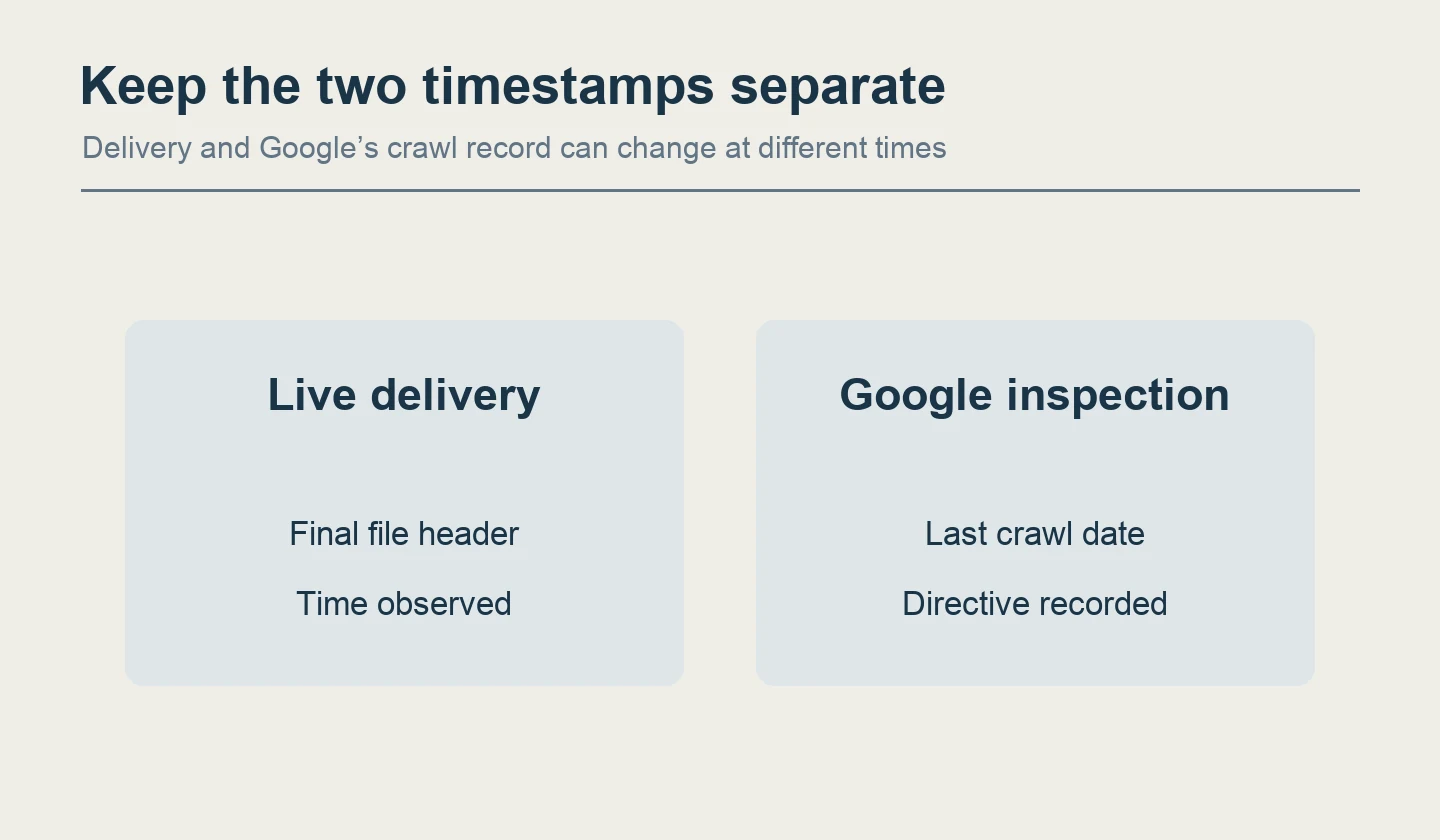
Record the file and the two checks
- Choose a document intended for public access.
- Open the link with the Network panel visible.
- Inspect the final file’s response headers.
- Check crawl access and save the Search Console timestamp.
Two checks, two timestamps
Live response
The browser shows what the server delivered for that request.
Google inspection
The indexing status reflects Google’s own crawl and processing. Save the date rather than assuming it read the new header already.
For how Google handles noindex after crawling, see Block Search indexing with noindex.
For the related task, see Verify crawler access.
Sources: Google Search Central · IETF
Frequently asked questions
Why can a noindex PDF still be crawled?
Google needs to fetch it to see the noindex response header. The directive controls indexing.
Can I use a robots.txt disallow with noindex?
Blocking the fetch can prevent Google from seeing the noindex header.
Is a HEAD request enough?
Start with the actual GET in the browser. HTTP permits some fields to differ on a HEAD response.
How should I handle private documents?
Use authenticated access or remove the file from its public URL. Search directives do not protect a public download.
My AI Search ReportReview what robots.txt controls
Keep crawl access separate from inclusion in Google Search.
Verify the crawler rules for the final URLContinue with a related guide
- Review what robots.txt controls
Keep crawl access separate from inclusion in Google Search.
- Verify crawler access
Read the rules for the public final URL.
- Read the latest Google indexing status
Record the issue and compare its crawl time to the change.
References
- Block Search indexing with noindex Google Search Central
- Robots meta tag and X-Robots-Tag specifications Google Search Central
- RFC 9110, HEAD IETF